
Download Voice Changer-change the voice – voice changer, voice modulator, funny voice, chat voice, prank call, voice effects, voice filter, voice changer app, voice filter app, voice changer for Android
Overview
Voice Changer-change the voice is a mobile application designed to transform users’ voices into a variety of engaging and entertaining sound effects. Its primary purpose is to enhance digital communication by introducing playful, expressive, and humorous vocal tones during chats, calls, or gaming sessions. The app addresses the desire for more dynamic and expressive interactions in a world where digital conversations often lack emotional nuance. By offering voice modulation, it allows users to experiment with different vocal identities, making communication more entertaining and personalized.
Target users include casual smartphone users, gamers, prank enthusiasts, and individuals who enjoy lighthearted digital interactions. The app is particularly useful in group chats, video calls, or voice-based social platforms where users want to stand out or add humor. It fits into the broader app ecosystem as a lightweight utility tool that complements existing communication platforms without requiring integration.
Developed by SoftPas, the app is available on Android with a free version that includes limited features. Although the developer did not provide additional technical details about their background or history, the app’s consistent release pattern and clear functionality suggest a focused development approach. Real-world use cases include turning mundane conversations into fun exchanges, adding character to online gaming voice chat, or creating humorous content for social media.
Key Features & Functionality
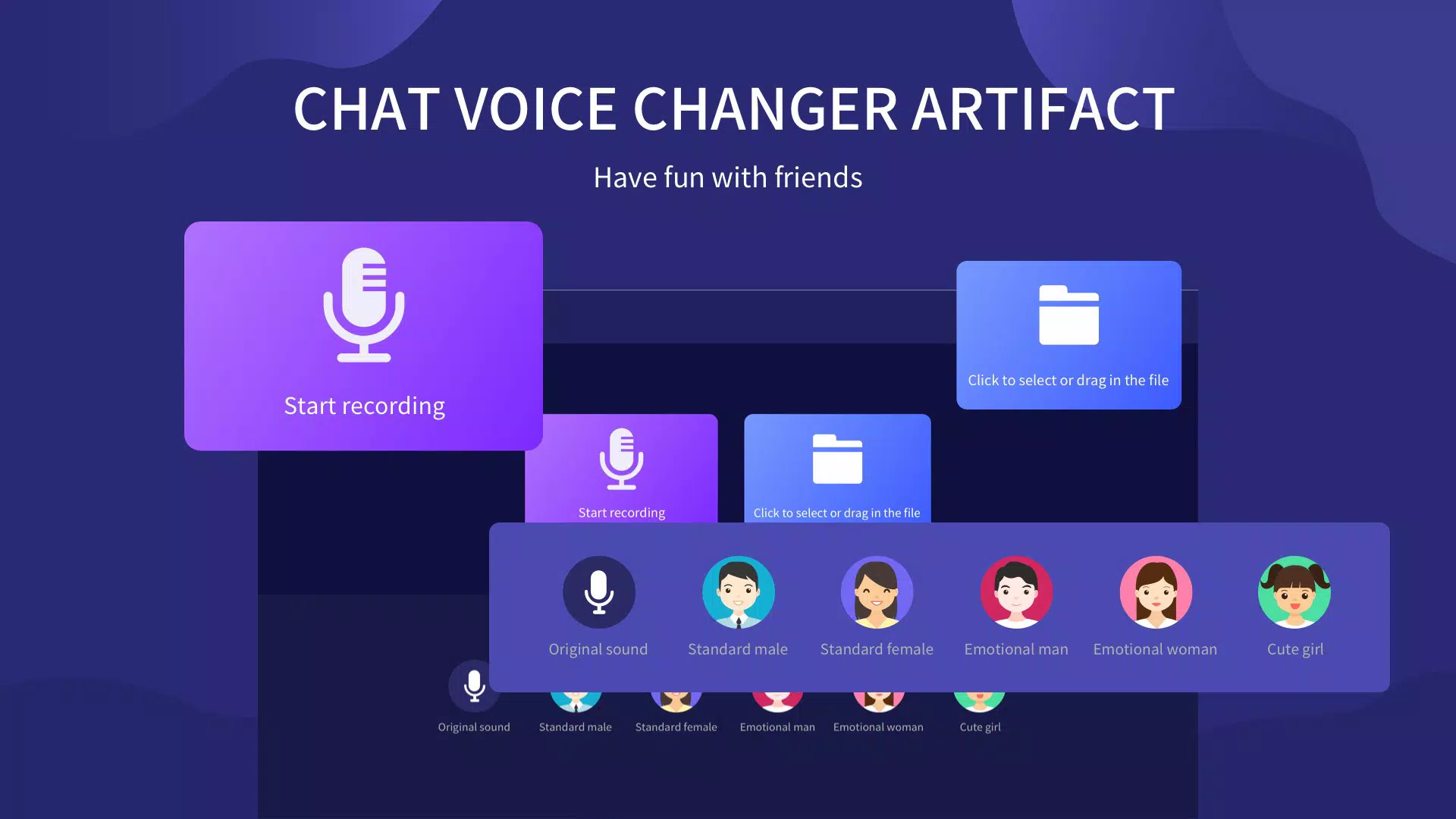
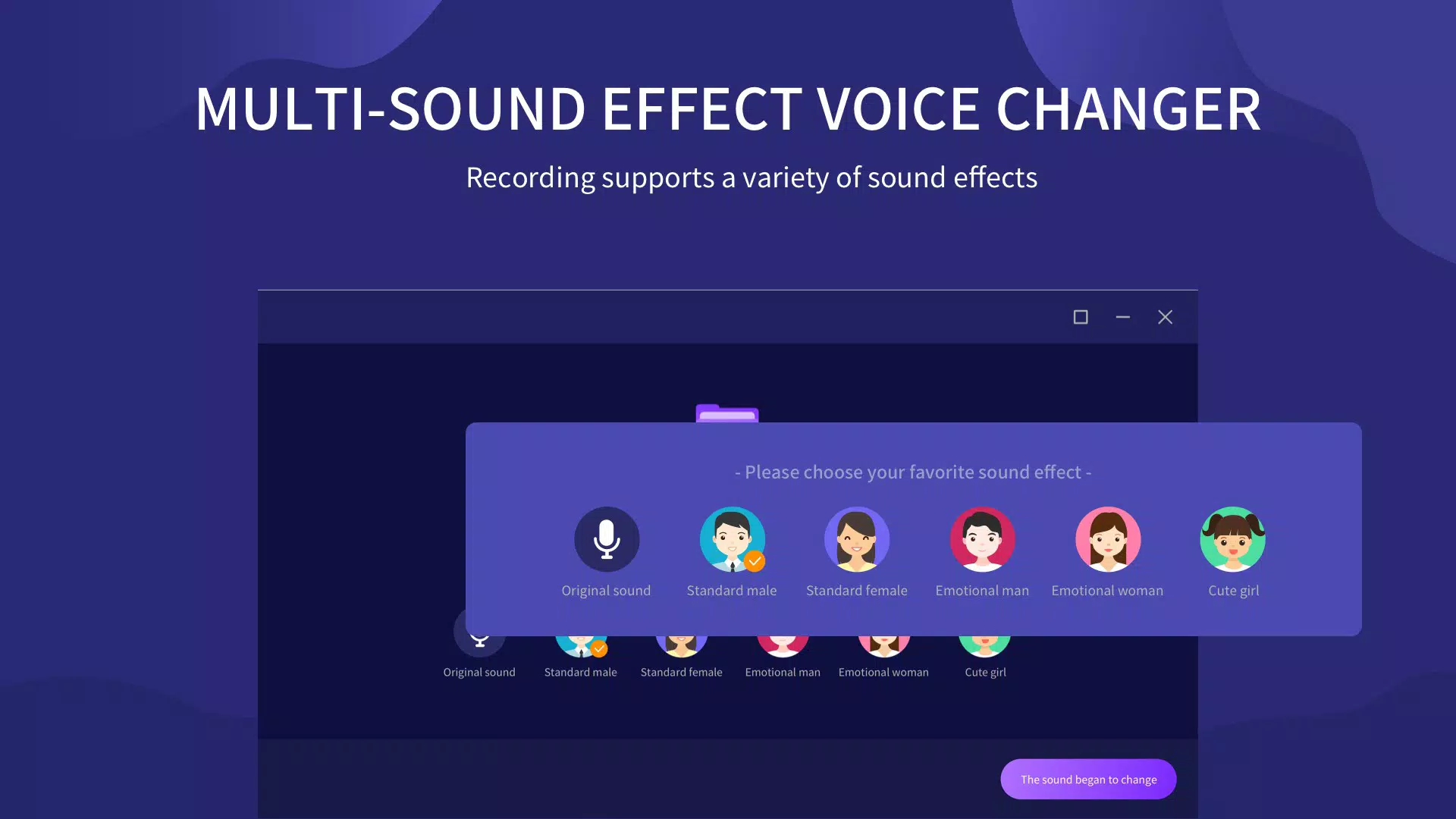
- Variety of Voice Types: Users can switch between standard male and female voices, as well as emotional and cute voice effects. This diversity enables expressive communication tailored to different moods and contexts.
- Intuitive Voice Selection Interface: The app features a user-friendly layout that allows quick access to voice settings. Even first-time users can navigate and apply effects without confusion or delay.
- Free Access with Basic Effects: The app is available at no cost, offering a selection of fundamental voice modulations. This allows users to test the core functionality before deciding on further investment.
- Flexible Monetization Options: For users seeking advanced features, the app provides subscription plans (monthly and annual) and a one-time purchase option for permanent access, accommodating different usage preferences.
- Enhanced Social Engagement: By enabling unique vocal expressions, the app adds a layer of entertainment to conversations, making it ideal for prank calls, gaming, or lighthearted interactions with friends.
For example, a user might apply a high-pitched "cute" voice during a group chat to mimic a cartoon character, or switch to a deep, robotic tone for a prank call. These real-time transformations can be applied instantly, making the app highly responsive during live interactions.
Interface, UX & Performance
The app features a clean, minimalistic interface focused on core functionality. Navigation is straightforward, with clearly labeled voice options and a simple activation button. The visual style prioritizes usability over ornamentation, ensuring that users can quickly find and apply desired voice effects.
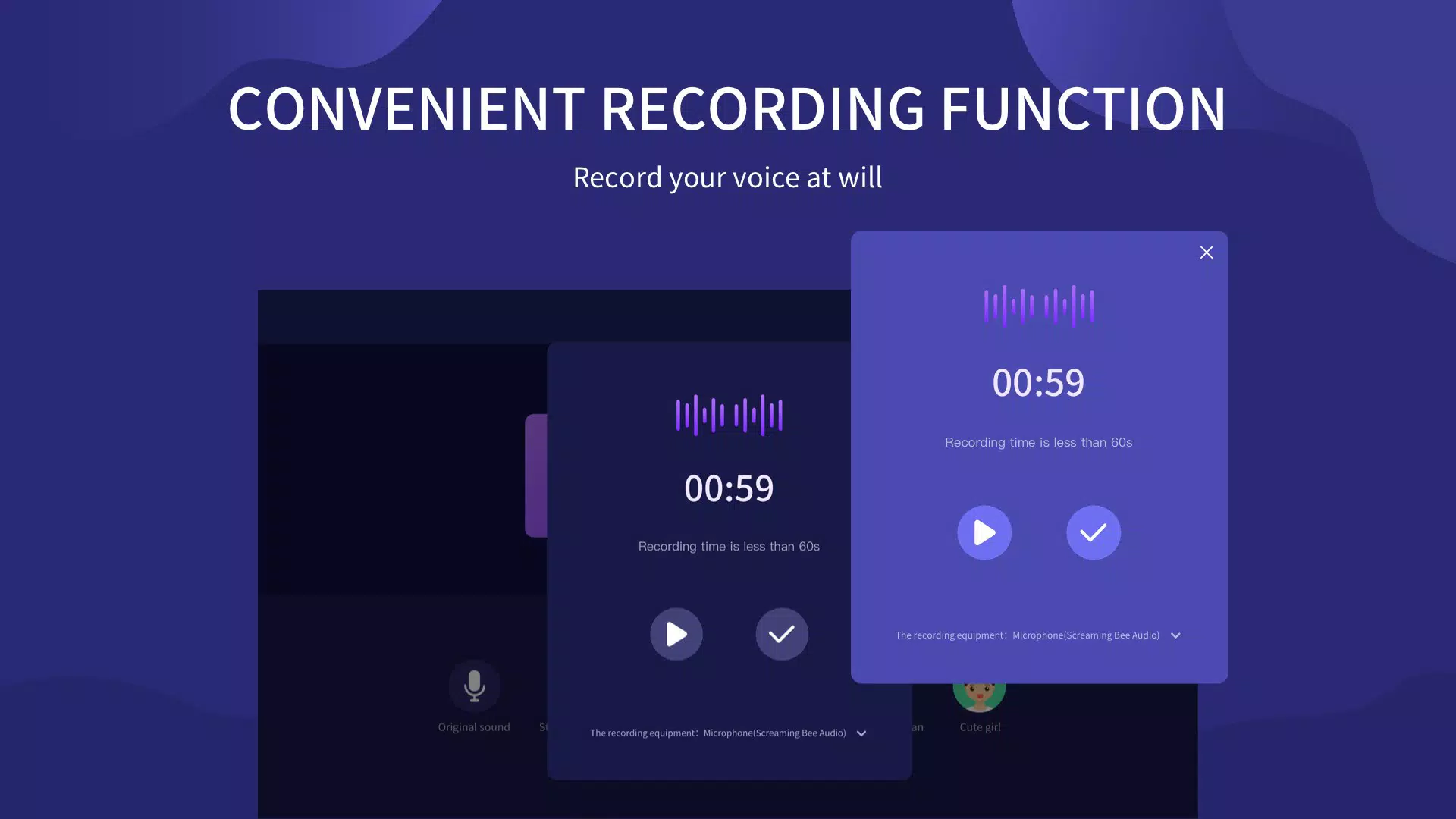
Interaction flow is designed for speed and simplicity—users select a voice type and tap a button to activate the filter, which applies in real time. The app maintains a consistent response across different Android devices, though the developer did not list formal performance metrics. Although the developer did not list formal performance metrics, the app’s lightweight size of 18.4 MB suggests efficient resource usage.
Responsiveness appears to be strong during active use, with minimal lag in voice processing. Stability is maintained during typical usage scenarios, and the app does not show signs of crashing under normal conditions. However, specific requirements for device compatibility were not disclosed, so users should ensure their Android devices meet general standards for running audio-based apps.
Platform Compatibility & Technical Requirements
Voice Changer-change the voice is available exclusively on the Android platform. The current software version is 2.0.1, and the app has a file size of 18.4 MB, indicating a lightweight footprint suitable for most Android devices. The app is currently free to download and use, with optional in-app purchases for expanded features.
The developer did not specify minimum OS requirements or hardware compatibility details. As such, users should ensure their device runs a modern version of Android and has access to microphone permissions. The app’s compatibility with older or low-end devices remains unconfirmed, though its small size suggests broad potential reach.
Pros and Cons
Pros
- Free version available with basic voice effects
- Simple, intuitive interface suitable for all ages
- Real-time voice modulation without delay
- Multiple voice types including emotional and cute options
- Flexible subscription and one-time purchase models
Cons
- Specific system requirements not disclosed
- Advanced features locked behind paywall
- No information on compatibility with older Android versions
- Limited customization options in the free tier
- Developer did not provide detailed technical specifications
FAQ
Is Voice Changer-change the voice safe to use?
The app is available through official Android channels and does not require root access. It requests standard microphone permissions, which are necessary for voice processing. No third-party data collection practices were disclosed, but users should review permissions before installation.
Can I use this app for prank calls?
Yes, the app is designed to support playful and humorous voice transformations, making it suitable for prank calls or lighthearted interactions. Users should exercise discretion and respect others’ comfort levels.
Does the app require an internet connection?
Based on available information, the app functions offline. Voice modulation is processed locally on the device, meaning no internet access is required during use.
How often are updates released?
The app was last updated on February 24, 2021. The developer has not provided a public update schedule. Users should monitor the app store for new versions.
Can I uninstall the app after a one-time purchase?
Yes, users can uninstall the app at any time. However, access to premium features may be lost unless the purchase is tied to a persistent account or license, which was not specified.
Final Thoughts
Voice Changer-change the voice delivers a focused, entertaining utility for Android users seeking to add flair to their voice interactions. Its free entry point lowers the barrier to testing, while flexible upgrade paths accommodate both casual and committed users. The app excels in simplicity, speed, and variety, making it ideal for gamers, pranksters, and social media users who value fun and expression.
While technical details are limited, the app’s lightweight design and intuitive interface ensure a smooth experience on compatible devices. For those looking to enhance their digital conversations with humor and personality, this app offers a reliable and accessible solution.
Download Voice Changer-change the voice now


